


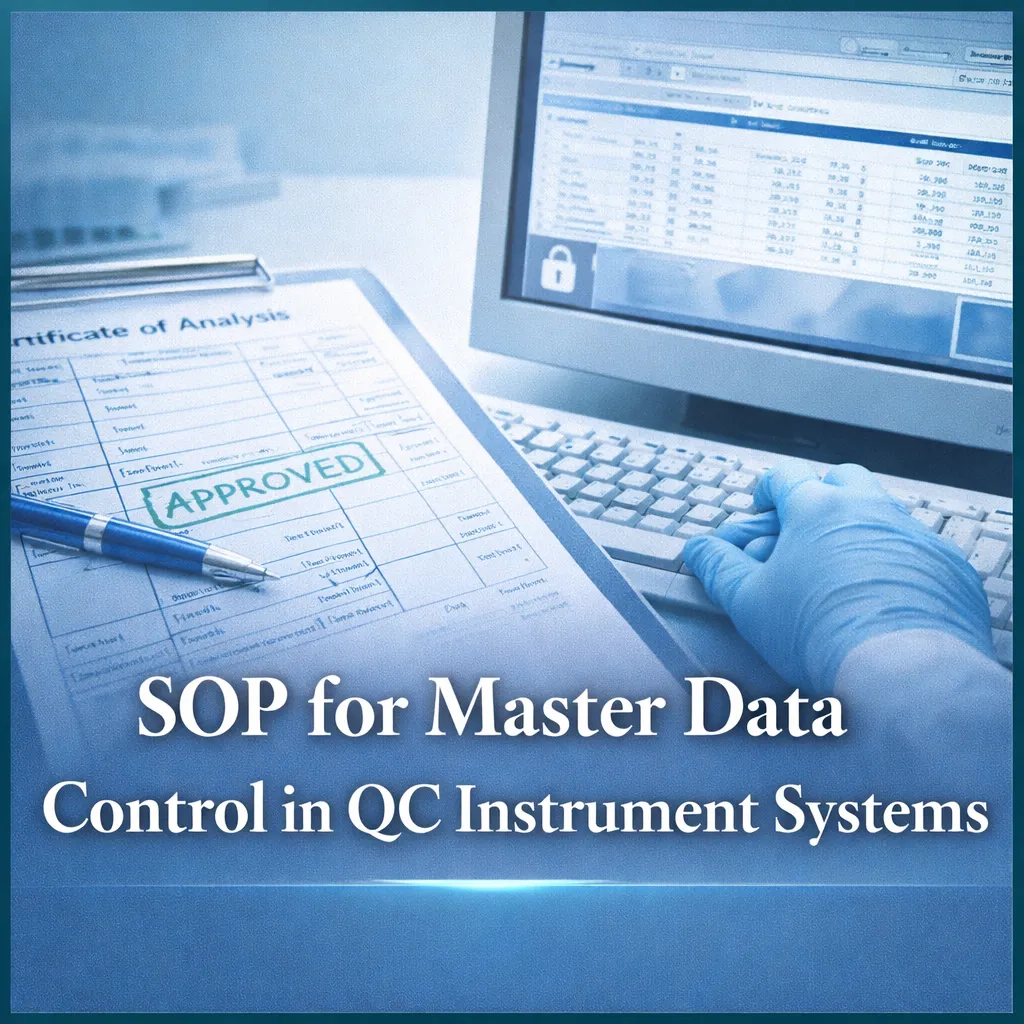

Learn SOP for controlling master data in QC instrument systems to ensure data integrity, compliance, and accurate COA generation.
Introduction
In pharmaceutical quality control laboratories, computer systems play a critical role in generating, managing, and storing master data related to raw materials and finished products. Ensuring the integrity, accuracy, and security of this data is essential for compliance with regulatory standards such as GMP and data integrity guidelines.
This SOP provides a structured procedure for controlling master data generated by instrument-controlled computer systems, including specification entry, COA generation, and access control.
1.0 Objective
To establish effective control over the master data generation system to ensure data accuracy, security, and compliance.
2.0 Scope
This SOP applies to all master data generated through computer systems for raw materials and finished products in the QC laboratory.
3.0 Responsibility
- Doing: Technical Assistant
- Checking: Executive / Manager
4.0 Accountability
- Head of the Department
5.0 Step-by-Step SOP for Master Data Control
5.1 Master Data Control for Raw Materials
5.1.1 Specification Entry
- Receive control copy of raw material specification from QA
- Enter specification into computer system
5.1.2 Verification
- Take printout of entered data
- Get it checked by section incharge
5.1.3 Approval
- Take final printout
- Stamp as “APPROVED”
- Obtain authorized signature
- Preserve as controlled document
5.1.4 Access Control
- Allocate password to file
- Share access details with:
- Section Incharge
- Department Head
- IT Department
5.1.5 COA Generation
- Generate blank COA from approved specification
- Issue to authorized chemist using password-protected access
5.2 Master Data Control for Finished Products
5.2.1 Specification Entry
- Receive finished product specification from QA
- Enter into system
5.2.2 Verification
- Print and verify data with section incharge
5.2.3 Access Authorization
- Assign password and notify relevant personnel
5.2.4 COA Preparation
- After product release, enter test results
- Generate COA
5.2.5 Approval
- Submit COA and testing data sheet to section incharge for signature
5.3 Data Security & Integrity Controls
- Restrict access using password protection
- Maintain audit trails for changes
- Prevent unauthorized modification of master data
- Ensure backup and recovery procedures
5.4 Documentation & Record Management
- Maintain approved hard copies
- Archive digital records securely
- Ensure traceability of all entries
6.0 Abbreviations
- IT: Information Technology
- QA: Quality Assurance
- COA: Certificate of Analysis
- SOP: Standard Operating Procedure
Safety & Compliance Precautions
- Follow data integrity principles (ALCOA+)
- Restrict unauthorized system access
- Verify all entries before approval
- Maintain secure password protocols
- Ensure regular system backups
Common Mistakes to Avoid
- Incorrect data entry in system
- Sharing passwords unauthorizedly
- Skipping verification steps
- Missing approval signatures
- Poor data backup practices
Best Practices
- Implement role-based access control
- Maintain audit trails
- Perform periodic data reviews
- Train staff on data integrity
- Use validated software systems
FAQs (Frequently Asked Questions)
1. What is master data in QC?
It includes specifications and data used for testing and COA generation.
2. Why is data control important?
To ensure accuracy, compliance, and traceability.
3. What is a COA?
Certificate of Analysis showing test results.
4. Who controls master data?
QC team with approval from QA.
5. What is ALCOA+?
A principle ensuring data integrity (Attributable, Legible, etc.).
6. Why is password protection necessary?
To prevent unauthorized access.
7. What happens if data is incorrect?
It may lead to compliance failure and product risk.
8. Is documentation required?
Yes, for audits and traceability.
9. Who approves COA?
Section Incharge or authorized personnel.
10. What is role of IT?
To manage system access and data security.