


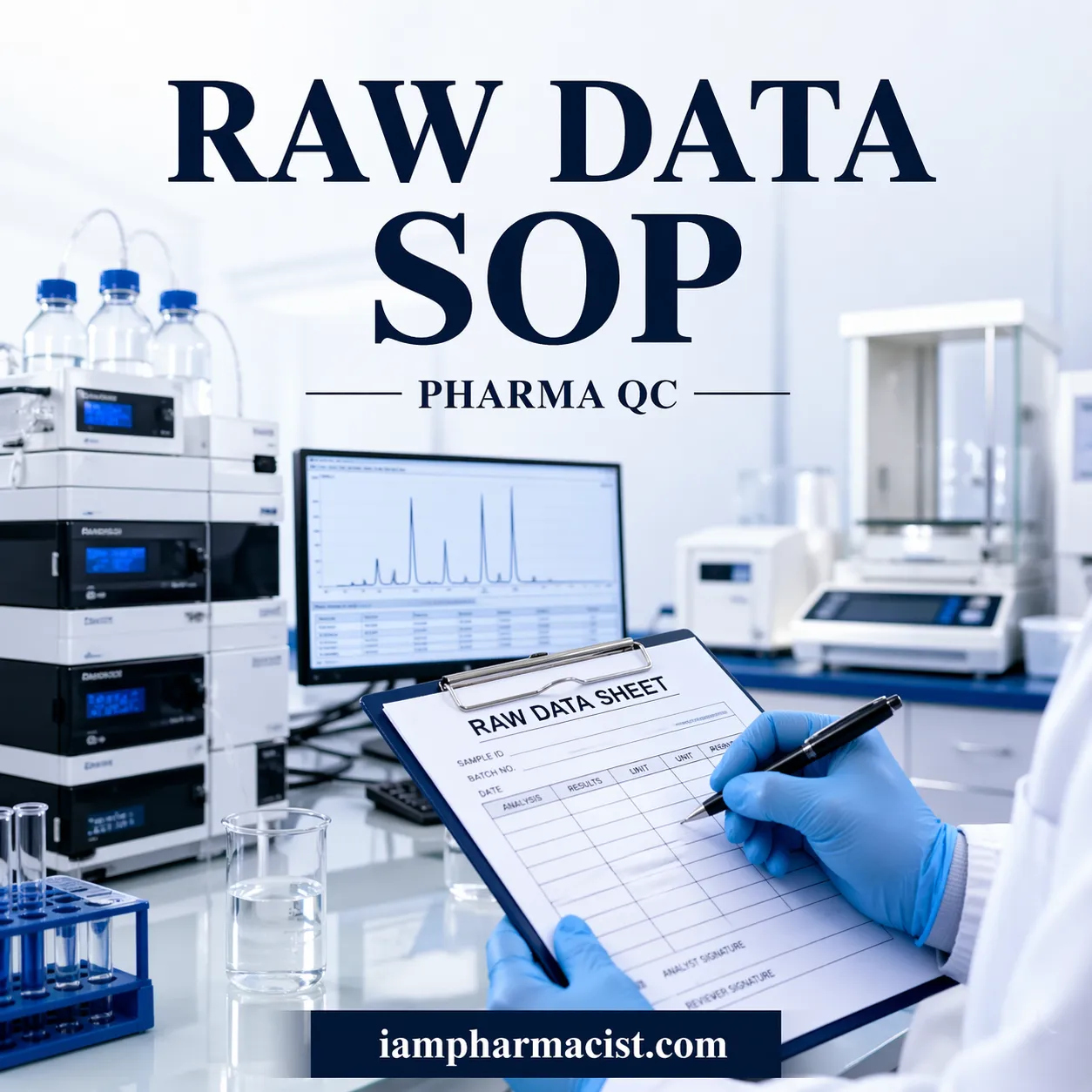

Learn the SOP for raw data sheet documentation in Quality Control with step-by-step guidance, compliance tips, and best practices for accurate documentation.
Definition
Standard Operating Procedure (SOP) for recording analytical data is a documented process that ensures all laboratory test results are accurately, consistently, and traceably recorded in raw data sheetshttps://iampharmacist.com/learn-sop-for-hplc-performance-check-linearity-testing-ensure-accurate-results-compliance/, maintaining compliance with regulatory and quality standards.
| Section | Description |
|---|---|
| Objective | Procedure for recording analytical data |
| Scope | Applies to all QC raw data sheets |
| Responsibility | QC Officer/Executive |
| Accountability | QC Manager |
| Key Records | Raw data sheets, chromatograms, printouts |
Step-by-Step SOP
- Verify raw data sheets before analysis
- Record sample and batch details accurately
- Enter observations in real-time
- Attach supporting documents
- Perform calculations as per protocol
- Review and sign completed records
Introduction
Accurate documentation is the backbone of any Quality Control (QC) laboratory. Whether in pharmaceuticals, chemicals, or manufacturing, improper data recording can lead to compliance failures, product recalls, or regulatory penalties.
This guide explains a standard operating procedure (SOP) for recording analytical data, ensuring data integrity, traceability, and compliance with global quality standards.
The following SOP content is derived from validated QC documentation practices and expanded for clarity, SEO, and usability.
1. Objective
To establish a standardized procedure for recording analytical data in raw data sheets to ensure accuracy, consistency, and compliance.
2. Scope
This SOP applies to all analytical data recorded in:
- In-process testing
- Raw material testing
- Finished product testing
- Stability studies
- Validation studies
3. Responsibility & Accountability
- Responsible: QC Officer / Executive
- Accountable: QC Manager
4. Core Principles of Analytical Data Recording
- Data must be recorded in real time (ALCOA principles)
- Entries must be legible, traceable, and permanent
- No unauthorized corrections allowed
- All entries must be reviewed and signed
5. SOP Procedure for Recording Analytical Data
5.1 General Data Recording
- Use controlled raw data sheets with serial numbers
- Record:
- Product name (full name + abbreviation)
- Batch number, manufacturing & expiry dates
- Specification number and strength
- Enter sample withdrawal date
- Record observations during analysis (not after)
Key Observations to Record:
- Description
- Water content (KF)
- Foreign particles
- Fill volume/weight
- pH values
- Viscosity
- Particulate matter
5.2 Assay Recording Procedure
- Record:
- Instrument ID
- Working standard details
- Batch number & potency
- Document:
- Mobile phase preparation (weights, volumes, pH)
- Diluent preparation
- Record:
- Peak areas directly from chromatograms
- RSD values (up to 1 decimal)
Calculation Rules:
- No rounding during raw calculation
- Final results rounded as per specification
- Use validated calculation sheets only
5.3 Sterility Test Recording
- Record:
- Product details
- Sampling and analysis dates
- Media and autoclave details
- Daily observations must be documented
- Record:
- Microbial growth
- Environmental monitoring data
- Stasis test results
5.4 Endotoxin Test Recording
- Record:
- Raw data
- LAL reagent lot number
- Product and batch details
- Ensure:
- Cross-referencing of continuation sheets
- Traceability of all records
6. Calibration
- Calibrate instruments before use (e.g., pH meter)
- Record calibration data in raw data sheets
- Include:
- Calibration date
- Results
- Analyst signature
7. Cleaning
- Ensure instruments and glassware are clean before analysis
- Record cleaning status where applicable
- Follow:
- Approved cleaning procedures
- Contamination prevention practices
8. Documentation & Review Requirements
- Attach:
- Chromatograms
- Printouts
- Weight slips
- Use continuation sheets if needed
- Cross-reference all documents
- Ensure:
- Reviewer signature
- Date on each sheet
9. FAQs
1. What is analytical data recording in QC?
It is the process of documenting test results in raw data sheets to ensure traceability and compliance.
2. Why is SOP important in QC documentation?
It ensures consistency, accuracy, and regulatory compliance.
3. What is a raw data sheet?
A controlled document used to record analytical observations and results.
4. What is ALCOA in data integrity?
Attributable, Legible, Contemporaneous, Original, Accurate.
5. Can data be corrected in QC records?
Yes, but corrections must be traceable and justified.
6. What should be recorded in assay analysis?
Instrument details, standards, peak areas, and calculations.
7. How is pH recorded in QC?
Directly from calibrated instruments without rounding.
8. What documents support raw data?
Chromatograms, printouts, and calculation sheets.
9. Who reviews QC data?
Typically the QC Manager or authorized reviewer.
10. What happens if SOP is not followed?
It can lead to compliance issues and product rejection.
{ “@context”: “https://schema.org”, “@type”: “Article”, “headline”: “Standard Operating Procedure for QC Data Recording”, “description”: “Complete SOP for recording analytical data in Quality Control with steps, compliance, and best practices.”, “author”: { “@type”: “Person”, “name”: “QC Documentation Expert” }, “publisher”: { “@type”: “Organization”, “name”: “Quality Control Insights” } } { “@context”: “https://schema.org”, “@type”: “FAQPage”, “mainEntity”: [ { “@type”: “Question”, “name”: “What is analytical data recording in QC?”, “acceptedAnswer”: { “@type”: “Answer”, “text”: “It is the process of documenting test results in raw data sheets.” } } ] } { “@context”: “https://schema.org”, “@type”: “HowTo”, “name”: “How to Record Analytical Data in QC”, “step”: [ {“@type”: “HowToStep”,”text”: “Verify raw data sheets”}, {“@type”: “HowToStep”,”text”: “Record sample details”}, {“@type”: “HowToStep”,”text”: “Enter observations in real-time”}, {“@type”: “HowToStep”,”text”: “Attach supporting documents”}, {“@type”: “HowToStep”,”text”: “Review and sign records”} ] }