


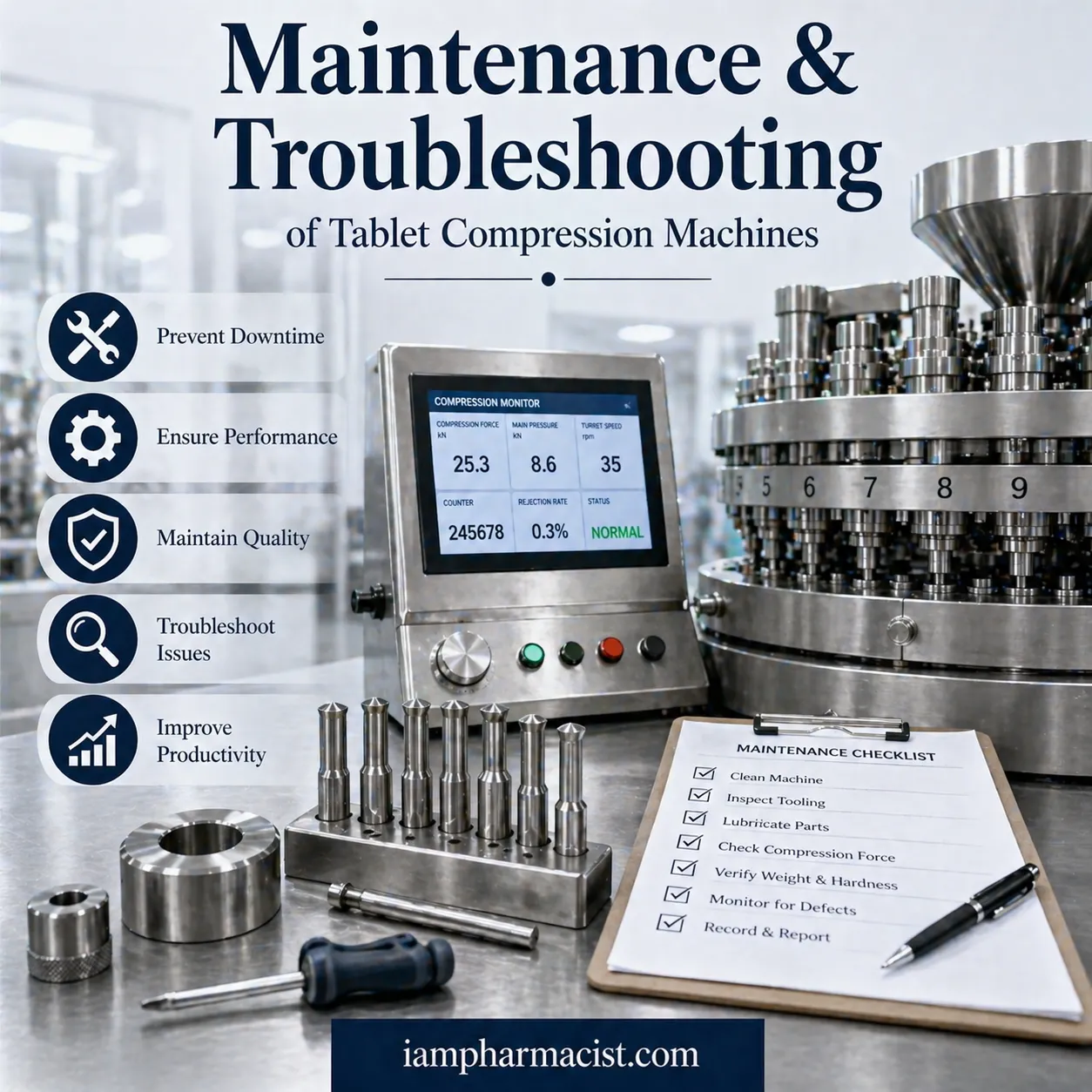

Learn maintenance and troubleshooting of tablet compression machines to improve efficiency, prevent defects, and ensure consistent tablet quality.
Definition
Tablet compression machine maintenance involves routine inspection, cleaning, calibration, and troubleshooting to ensure efficient operation and consistent tablet quality during pharmaceutical manufacturing.
Introduction
Tablet compression machines are the backbone of solid dosage manufacturing. But even the most advanced machines can face:
- Weight variation
- Sticking issues
- Mechanical failures
Without proper maintenance, these issues can lead to:
❌ Production downtime
❌ Batch rejection
❌ Increased costs
A proactive maintenance and troubleshooting strategy ensures consistent, high-quality tablet production.
Common Problems & Quick Solutions
| Problem | Cause | Solution |
|---|---|---|
| Incorrect weight | Poor die filling | Adjust feed frame & calibration |
| Sticking | Poor lubrication | Use anti-stick agents |
| Hardness variation | Inconsistent blend | Optimize compression force |
| Capping/Chipping | Excess force | Adjust pressure & design |
| Machine jamming | Worn parts | Replace & align components |
Maintenance Workflow
Step 1: Daily Cleaning
- Remove powder residues
- Clean punches and dies
- Prevent contamination
Step 2: Lubrication
- Apply proper lubricants
- Reduce friction and wear
- Prevent sticking issues
Step 3: Inspection of Tooling
Check for:
- Wear
- Corrosion
- Misalignment
Worn tooling is a major cause of defects.
Step 4: Calibration
- Verify compression force
- Adjust tablet weight
- Ensure uniform output
Step 5: Monitoring During Production
Track:
- Weight variation
- Hardness
- Thickness
Real-time monitoring prevents defects early.
Step 6: Preventive Maintenance Schedule
- Replace worn parts
- Align machine components
- Record maintenance logs
Troubleshooting Common Tablet Defects
1. Incorrect Tablet Weight
Cause:
- Inconsistent die fill
- Improper settings
Fix:
- Adjust feed frame
- Calibrate machine regularly
2. Tablet Sticking to Punches
Cause:
- Poor lubrication
- Improper formulation
Fix:
- Use lubricants
- Add anti-stick agents
- Adjust dwell time
3. Inconsistent Tablet Hardness
Cause:
- Variable particle size
- Uneven compression force
Fix:
- Optimize blend uniformity
- Adjust compression settings
4. Capping and Chipping
Cause:
- Excessive compression force
- Poor tablet design
Fix:
- Reduce pressure
- Improve formulation
- Ensure proper lubrication
5. Machine Jamming
Cause:
- Worn components
- Misalignment
Fix:
- Replace damaged parts
- Realign machine components
- Perform regular inspection
Best Practices for Maintenance
✔ Regular cleaning after each batch
✔ Scheduled lubrication
✔ Routine calibration
✔ Proper operator training
✔ Use of high-quality tooling
Real-World Insight
Effective troubleshooting focuses on:
- Monitoring tablet weight, hardness, and flow properties
- Maintaining consistent feed and compression conditions
These practices significantly reduce defects and improve production efficiency
Benefits of Proper Maintenance
1. Improved Efficiency
- Reduced downtime
- Faster production
2. Consistent Product Quality
- Uniform tablets
- Fewer defects
3. Cost Savings
- Less waste
- Longer machine life
4. Regulatory Compliance
- GMP adherence
- Better documentation
FAQs
1. What is tablet compression machine maintenance?
Routine cleaning, inspection, and calibration to ensure smooth operation.
2. Why is maintenance important?
It prevents defects and improves efficiency.
3. What causes tablet sticking?
Poor lubrication or formulation issues.
4. How to fix weight variation?
Adjust die fill and recalibrate machine.
5. What is capping in tablets?
Separation of tablet layers due to pressure issues.
6. How often should machines be serviced?
Regularly, based on usage and schedule.
7. What causes machine jamming?
Worn parts or misalignment.
8. How to maintain tablet hardness?
Control compression force and blend uniformity.
9. What is preventive maintenance?
Scheduled checks to avoid machine failure.
10. Can maintenance reduce costs?
Yes, by minimizing waste and downtime.
{ “@context”: “https://schema.org”, “@type”: “Article”, “headline”: “Maintenance and Troubleshooting of Tablet Compression Machines”, “description”: “Learn how to maintain and troubleshoot tablet compression machines for better efficiency and quality.”, “author”: { “@type”: “Organization”, “name”: “iampharmacist.com” }, “mainEntityOfPage”: { “@type”: “WebPage”, “@id”: “https://iampharmacist.com/tablet-compression-machine-maintenance-troubleshooting” } } { “@context”: “https://schema.org”, “@type”: “HowTo”, “name”: “How to Maintain Tablet Compression Machines”, “step”: [ {“@type”: “HowToStep”,”text”: “Clean machine daily”}, {“@type”: “HowToStep”,”text”: “Lubricate moving parts”}, {“@type”: “HowToStep”,”text”: “Inspect tooling for wear”}, {“@type”: “HowToStep”,”text”: “Calibrate machine settings”}, {“@type”: “HowToStep”,”text”: “Monitor production parameters”}, {“@type”: “HowToStep”,”text”: “Follow preventive maintenance schedule”} ] } { “@context”: “https://schema.org”, “@type”: “FAQPage”, “mainEntity”: [ {“@type”: “Question”,”name”: “What is tablet compression machine maintenance?”,”acceptedAnswer”:{“@type”:”Answer”,”text”:”Routine inspection and cleaning to ensure proper function.”}}, {“@type”: “Question”,”name”: “Why is maintenance important?”,”acceptedAnswer”:{“@type”:”Answer”,”text”:”It prevents defects and improves production efficiency.”}} ] }